The whole crew on the job.
Only the office sees the numbers.
Invite your team by email and hand each person the right slice of the business: admins see everything, team leads run the day, and field workers get their own schedule, job notes and timers — with your pricing and sales figures kept out of sight.
Admin
Owner · billing, reports, everyone
Team Lead
Dispatch, schedule, approve quotes
Field Worker
Their jobs, notes, timesheets
Admin
Owner · billing, reports, everyone
Team Lead
Dispatch, schedule, approve quotes
Field Worker
Their jobs, notes, timesheets
Three roles, set in one tap
Every team member gets a role that matches how they actually work. Admins run the whole business — quoting, invoicing, reporting, settings. Team leads manage jobs and the crew's day without touching company settings. Field workers get their own jobs, notes and timers, and nothing they don't need.
- Admin — full access to quotes, invoices, reports and settings
- Team lead — runs jobs and the schedule without the back office
- Field worker — own jobs, site notes, photos and timers only
Field workers see the job, never the price
Your rates, margins and sales figures are yours. A field worker opens Taskr and sees their own appointments, the site address, access notes and the start-timer button — quote values, invoice totals and client balances simply aren't there.
- Pricing, quotes and invoices hidden from field workers by default
- Each worker sees only the jobs assigned to them
- Timesheets show a worker their own hours — not the whole crew's
Overrides for the exceptions
Roles cover the ninety percent; overrides handle the rest. Your leading hand who also prices small jobs, the office junior who shouldn't touch settings — flick individual permissions on or off per person without inventing a new role for everyone.
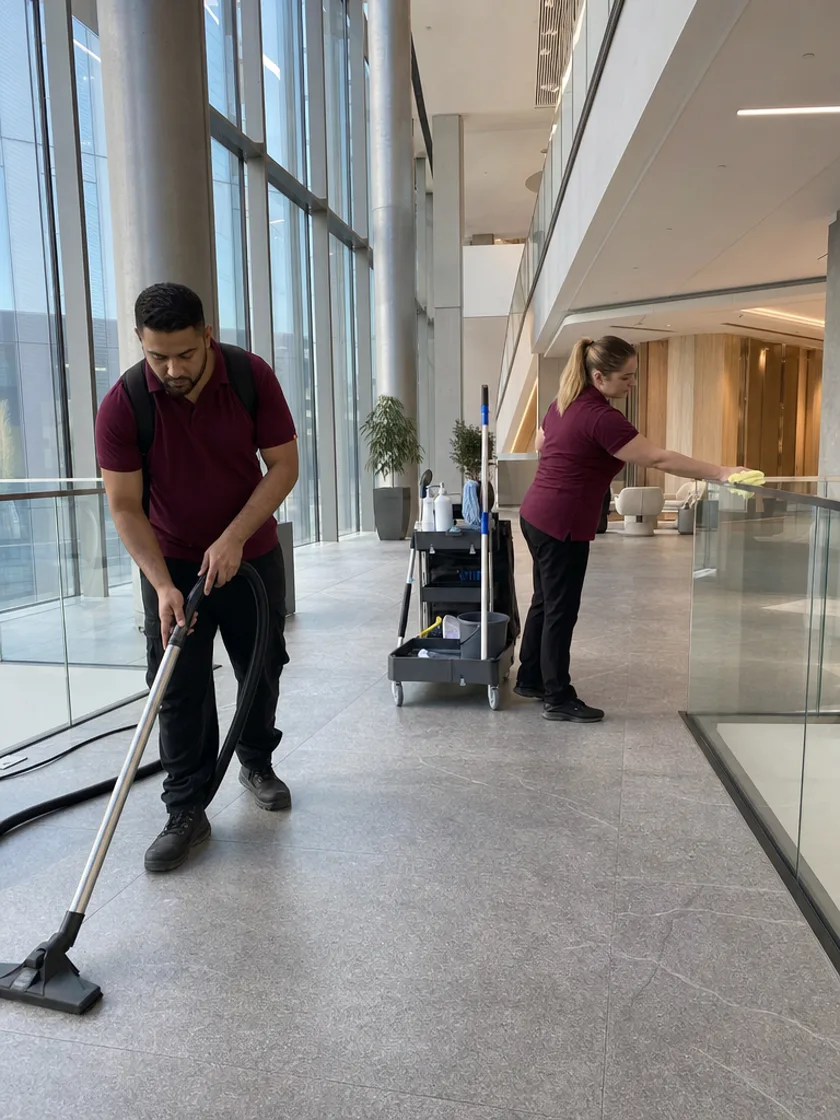
Invite by email, working the same day
Type an email address and Taskr sends the invite. Your new starter accepts, adds the app to their phone's home screen and sees their first job on the schedule — no app store, no IT setup, no shared logins.
Switchboard upgrade
Nguyen Residence
Site inspection
Apex Builders
Hot water install
Marlow St
Smoke alarms
Coral Apartments
Rewire — Stage 2
Delaney Reno
AC service x4
Westfield Cafe
Quote walk-through
Harbour Lofts
A colour for every crew member
Give each person their own colour and the week's calendar reads at a glance — who's where, who's free, who's doubled up. Drag an appointment onto someone and it appears on their phone with the address and one-tap directions.
- Per-person colours across the day, 3-day and week views
- Assigned jobs land straight on each worker's own schedule
Seats that follow your team
Taskr is priced per user, so your subscription tracks your headcount automatically. Add a team member and the seat is added to your plan; remove one and it comes straight back off — no support ticket, no paying for empty seats.
18
Jobs active
$24.6k
This week
2.1d
Avg. close
The office still sees everything
While the crew works their own slice, admins keep the full picture — every job's status, every timer running, every invoice outstanding — on one dashboard, with the dispatch map showing where the day's work is pinned.
Included from $42/user·mo — every plan, 14-day free trial.
Compare plansStronger together.
Good questions.
Not unless you want them to. Field workers see their own jobs, notes and timers — quote values, invoice totals, client balances and your price book are hidden. You can grant extra access per person with a permission override.
Send an email invite from Settings. They accept, set a password and they're in — with the role you chose already applied. Their seat is added to your subscription automatically.
Admins have full access, including billing, company settings and reports. Team leads run the operational side — jobs, scheduling and the crew — without access to company settings.
Seats sync to your subscription in both directions — remove a team member and your per-user billing adjusts to match. You only ever pay for active seats.
No app store required. Taskr is a mobile-first web app — your team adds it to their phone's home screen from the invite and it works like a native app, timers and all.
The admin runs itself from here.
Free for 14 days — no charge until the trial ends, cancel anytime.
Start 14-day free trial